Create a video tile
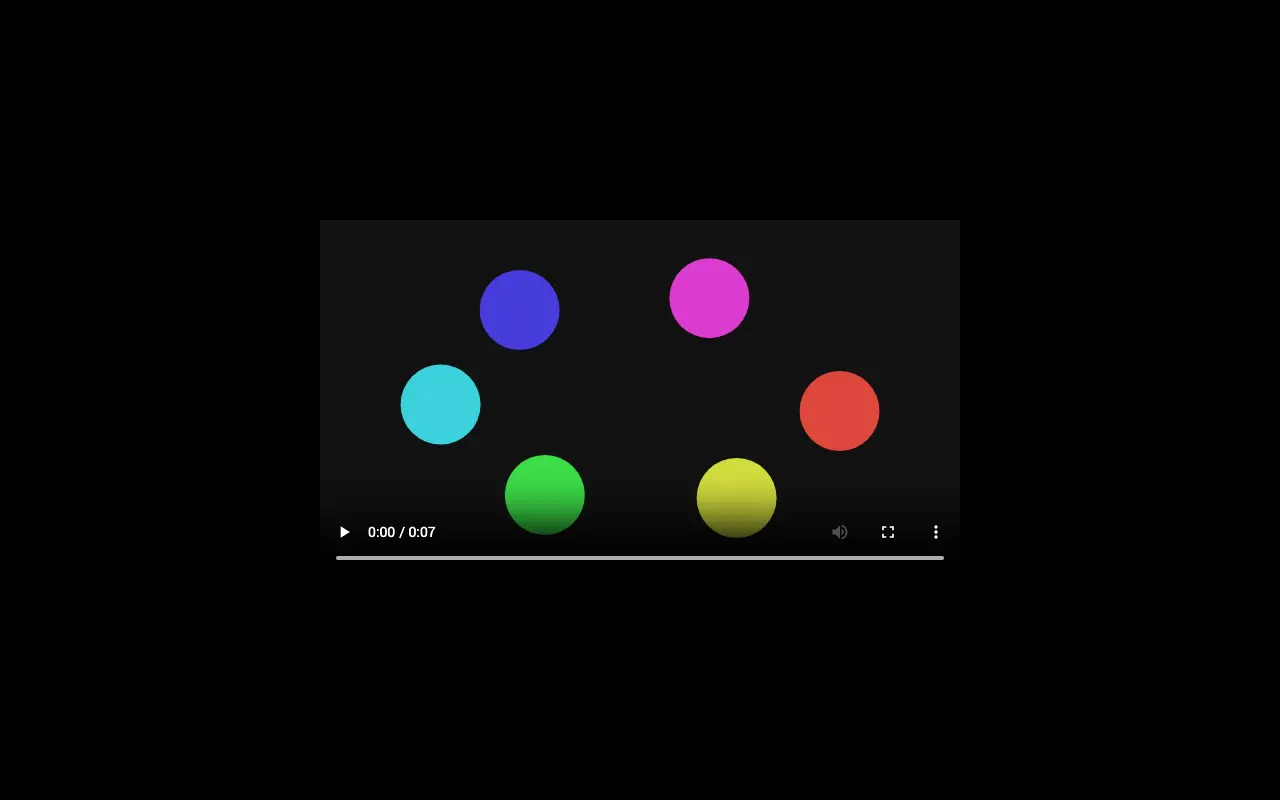
A video tile shows a cover image in the mosaic; one click opens the video full screen, where it starts right away, with the description as its caption.
Create the tile
- In Content Manager, click
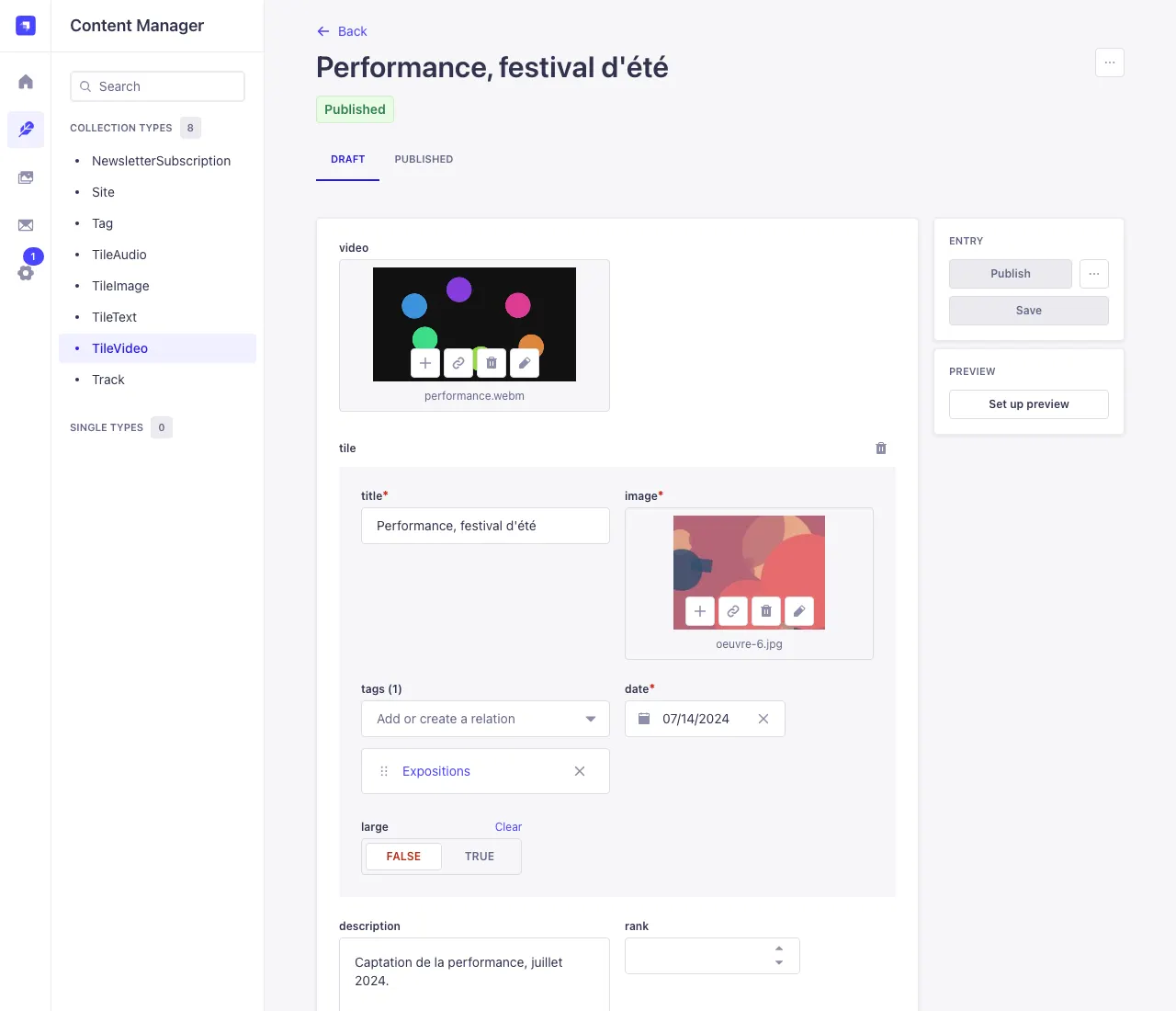
TileVideo, then Create new entry. video: click the area and upload your video file (one per tile). A large file may take a few minutes: wait until it is done before leaving the page.description(optional): shown under the video, and used by search engines and sharing previews.tile: open the block and fill in the title, the cover image (for example a still from the video), themes, date and possiblylarge(see the tile block).- Save, then Publish.
Recommended formats and sizes
- MP4 (H.264 video, AAC sound): plays in every browser, on computers and phones. The safest choice.
- WebM works in most browsers. Avoid MOV or HEVC (H.265) files as they are, common on phones: they don't play everywhere. Export them as MP4 H.264 (the “most compatible” option of your phone or editing software).
- 1920 × 1080 pixels (1080p) is plenty; 1280 × 720 suits long videos.
- The limit is 2.5 GB per file, but aim for a few hundred megabytes at most: the video is sent as it is to your visitors, phones included.
A video tile holds a video file: there is no field for a YouTube or Vimeo link. To point to an online video, add a link in a text (your biography, or the description of a text tile).