Help
Everything you need to fill in your site and set it up yourself, step by step. The screenshots show the administration area in English, on a sample site.
- Getting startedChoose your password, sign in, find your way around.
- Image tileA gallery of photos or works, with captions.
- Video tileA video that plays on your site.
- Text tileA text or a PDF, read full screen.
- Audio tileAn album or a selection of tracks, with a player.
- Organize and publishDates, themes, order, drafts and publishing.
- Pages, menus and textsBiography, contact, support, announcement, menu names.
- AppearanceLogo, banner, fonts, colours, frames, layout.
- Search engines and sharingWhat Google and social networks show.
- NewsletterCollect sign-ups and export the list.
- Address and domain nameUse your own domain name.
- Account and supportPassword, language, files, team, contacting us.
In a nutshell
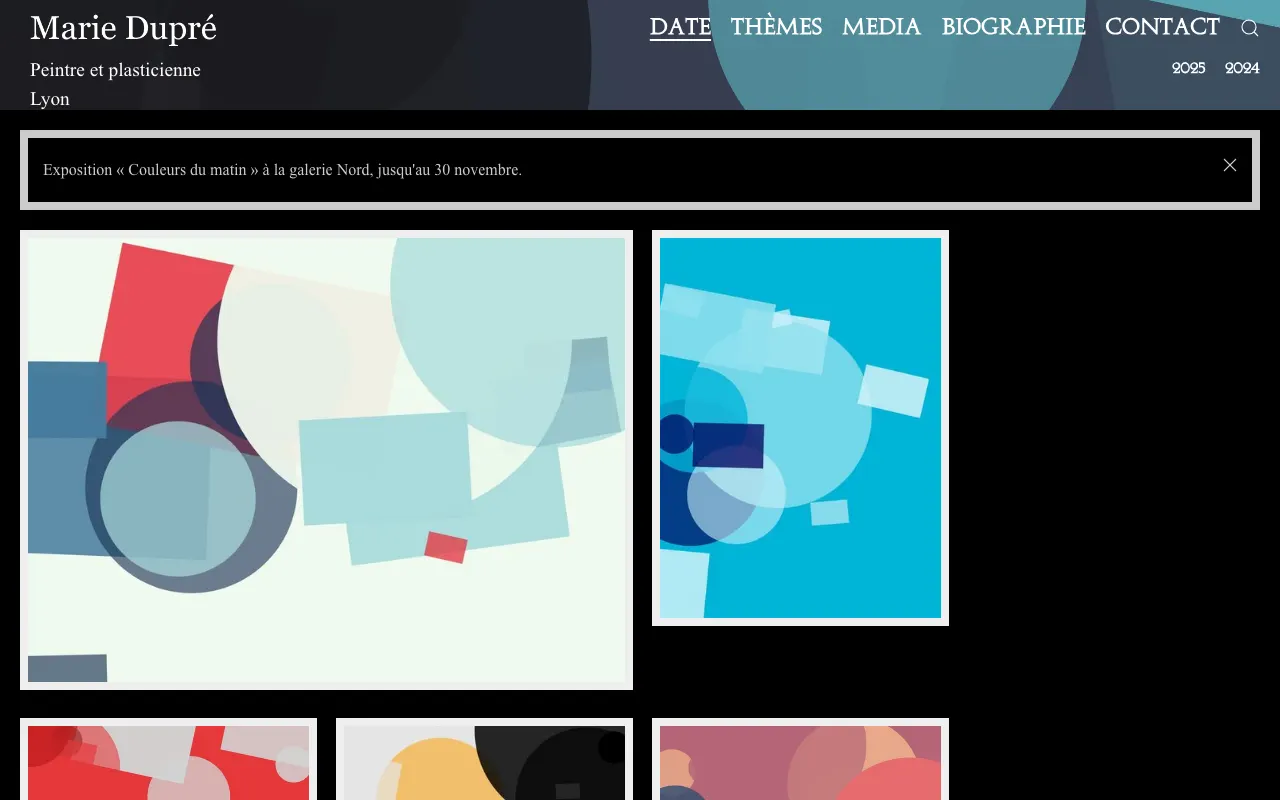
Your site is a mosaic of tiles. Each tile is a work, a project, a concert… and opens in full with one click. There are four kinds: image, video, text and audio. They are sorted by date (the home page, by year) and by theme.
You edit everything from your administration area, in the Content Manager menu. A tile only appears on the site once it is published.