Set your site's appearance
Logo, banner, fonts, colours, frames, layout: all set in your site’s settings, without touching the content.
On the administration's home page, click Edit my site, make your changes, then Save. Reload your site to see the result. The site's background is black: the settings below apply on it.
Title, logo, banner
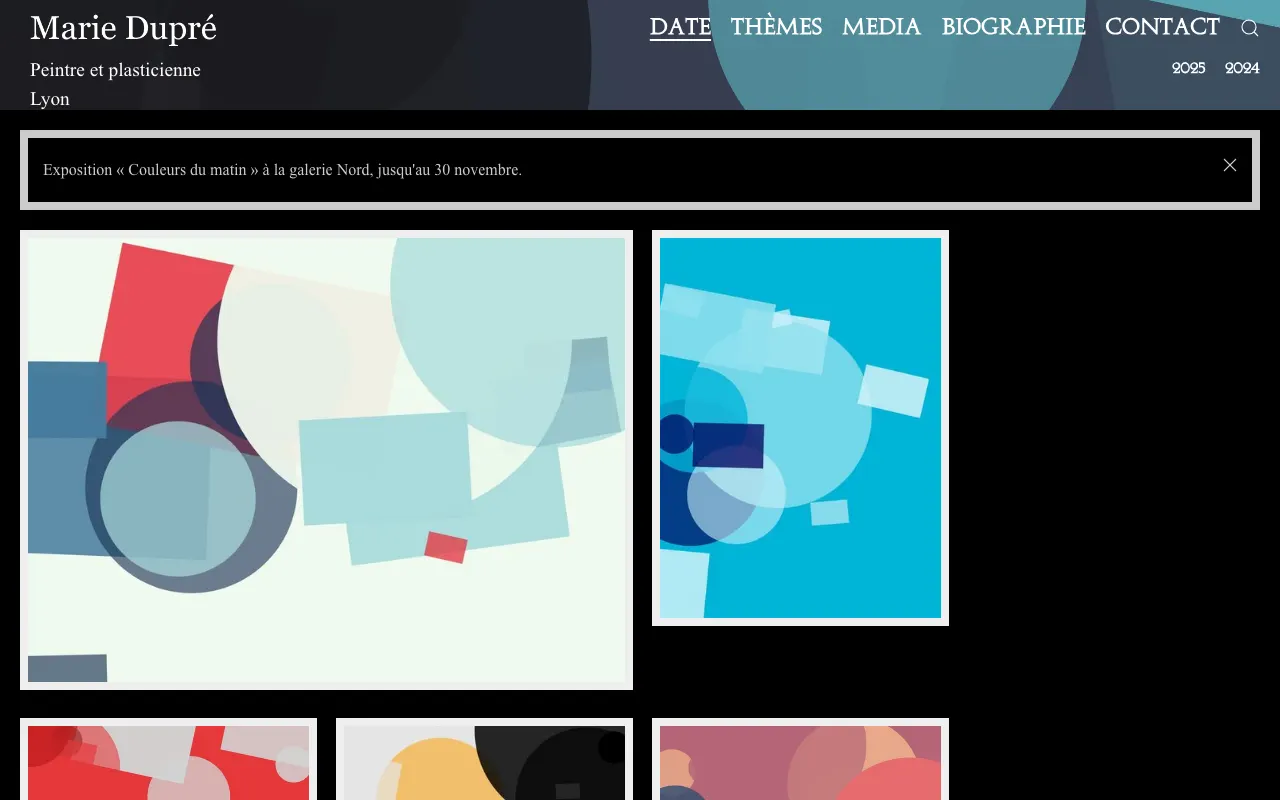
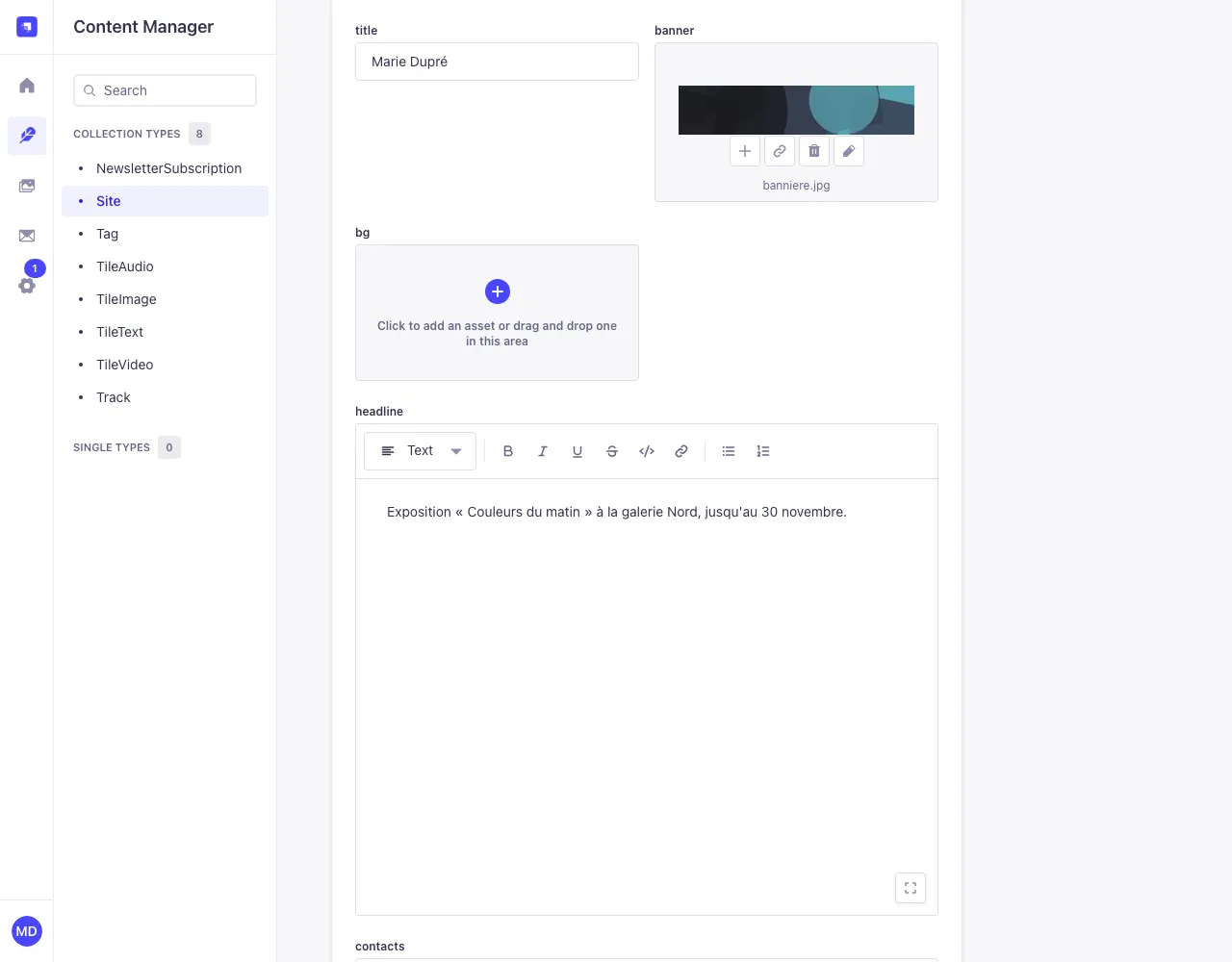
title- the site's name: at the top left when there is no logo, in the browser tab and in sharing previews;
subtitleandsubtitle_line2- one or two lines under the name (on computers), for example your field and your city.
subtitleis also the site's description for search engines; logoandlogo_height- an image instead of the name (preferably a PNG with a transparent background, light-coloured: the background is dark), and its height in pixels (10 to 300, 40 by default);
bannerandheader_height- the header's background image, cropped to fill the width: choose a wide image (for example 2400 × 500 pixels) with nothing important near the edges.
header_heightsets the header's height (40 to 400 pixels, 92 by default); favicon- the small icon in the browser tab and on phones' home screens: a square PNG image, at least 180 × 180 pixels.
Fonts
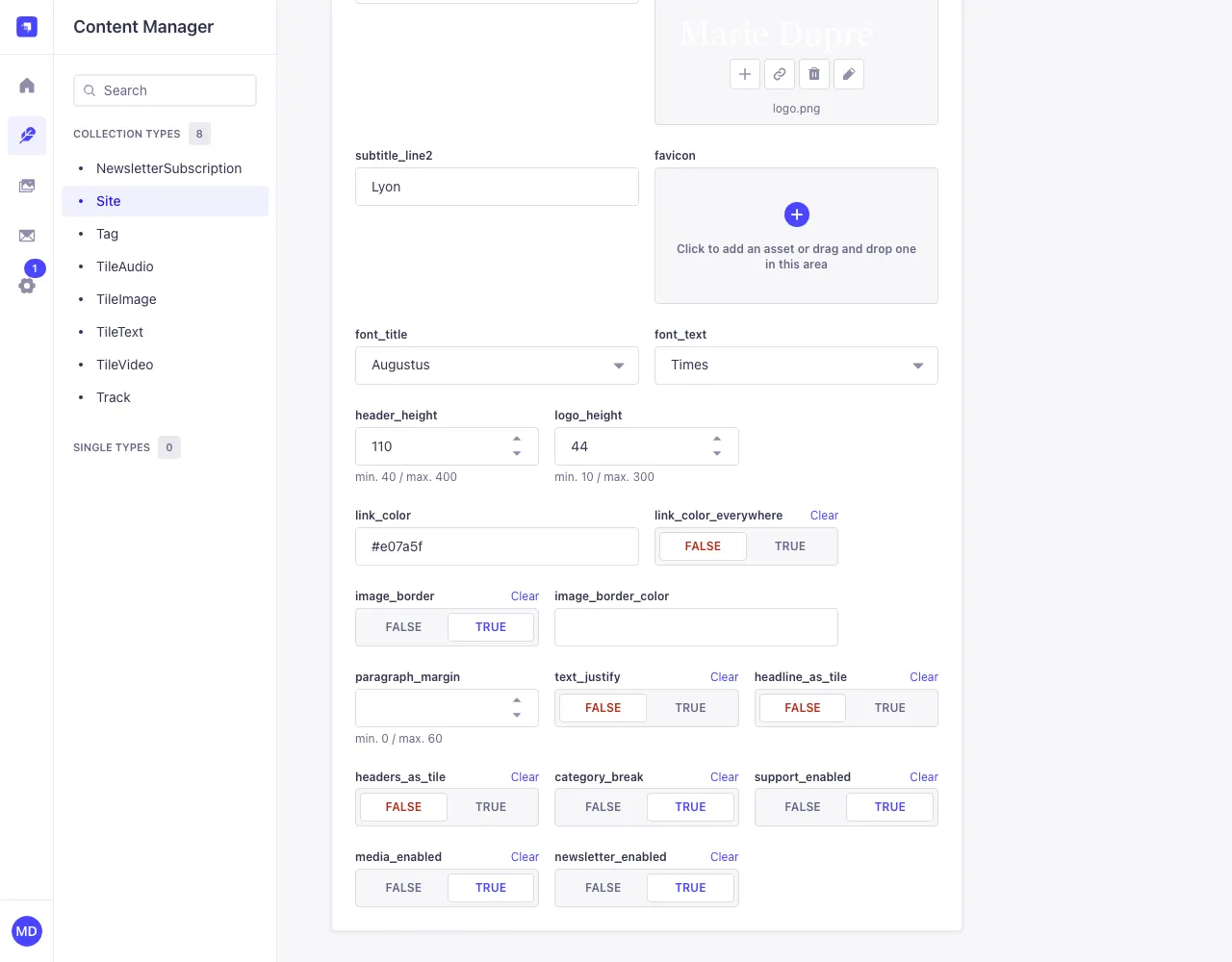
font_title (headings, menus, tile titles) and font_text (everything else) offer: Serif (classic, with serifs, the default for titles) and Sans_serif (modern, without serifs, the default for text), the visitor's device fonts, as on tilefolio.com, which show without any download; Augustus (antique capitals), Times, Abel (thin and upright), Roboto (modern, very readable) and Crimson_Text (classic, for long texts).
Colours, frames, spacing
Colours are written as hexadecimal codes, with the hash sign: #e07a5f (any online colour picker gives you this code).
link_color- the colour of links in your texts (blue by default);
link_color_everywhere- TRUE: this colour also applies to links on dark backgrounds (except the menu);
image_borderandimage_border_color- the frame around tiles (on by default, very light grey) and its colour;
paragraph_margin- the space above and below paragraphs, in pixels (0 to 60, 5 by default);
text_justify- TRUE: paragraphs are justified.
Layout
category_break- TRUE (the default): tiles are grouped by year or theme, with a sub-menu to jump to each group. False: one continuous mosaic;
headers_as_tile- TRUE: each group's title (the year, the theme) appears as a tile in the mosaic;
media_enabled- shows the Media menu;
newsletter_enabled- shows the newsletter sign-up on the Contact page;
support_enabled- shows the Support part on the Contact page (see texts).
Ignore the bg field, which isn't used.
On phones
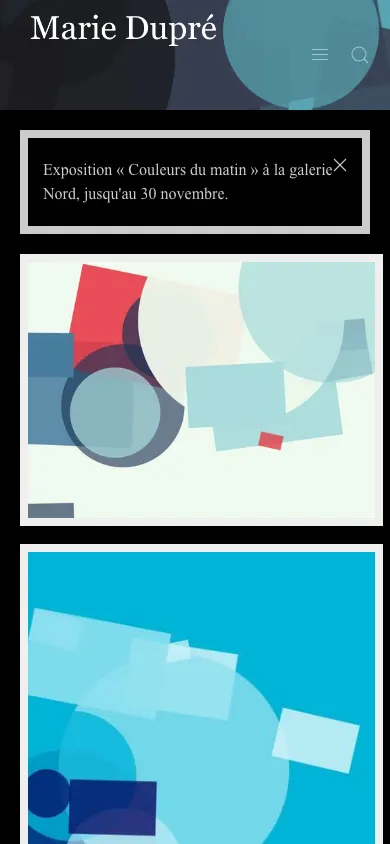
The site adapts to small screens by itself: tiles go on one column and the menu folds under the ☰ icon. Still, check your banner and logo on a phone.